
Mix
On Fedora 43, you don’t install “virtual drivers” the Windows way. With PipeWire (which Fedora uses by default), you create virtual devices (nodes) such as sinks (outputs) or sources (inputs). These act like Voicemeeter’s virtual inputs/outputs.
Below are the main methods — from simple to advanced.
✅ Method 1 — Create a Virtual Sink (most common)
This creates a virtual output device that applications can send audio to. You can then route it wherever you want.
1️⃣ Create the virtual sink
pactl load-module module-null-sink sink_name=VirtualSink sink_properties=device.description=VirtualSink
You now have a new output device called VirtualSink.
2️⃣ Create a virtual microphone (optional)
If you want something like a “virtual mic” (for Discord/OBS):
pactl load-module module-remap-source master=VirtualSink.monitor source_name=VirtualMic source_properties=device.description=VirtualMic
Now VirtualMic appears as an input device in apps.
3️⃣ Make it persistent (survive reboot)
Create this file:
mkdir -p ~/.config/pipewire/pipewire-pulse.conf.d
nano ~/.config/pipewire/pipewire-pulse.conf.d/virtual-devices.conf
Add:
context.modules = [
  { name = libpipewire-module-null-audio-sink
    args = {
      node.name = "VirtualSink"
      node.description = "VirtualSink"
      media.class = "Audio/Sink"
    }
  }
]
Then restart PipeWire:
systemctl --user restart pipewire pipewire-pulse
🎛 Method 2 — Use a Patchbay (Graphical Way)
Much easier if you don’t like CLI.
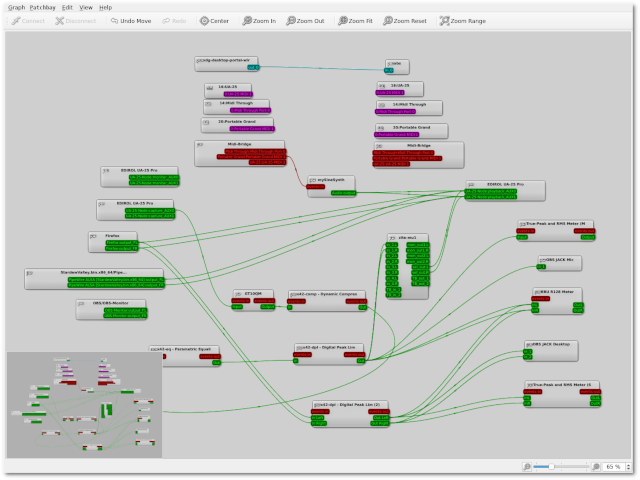
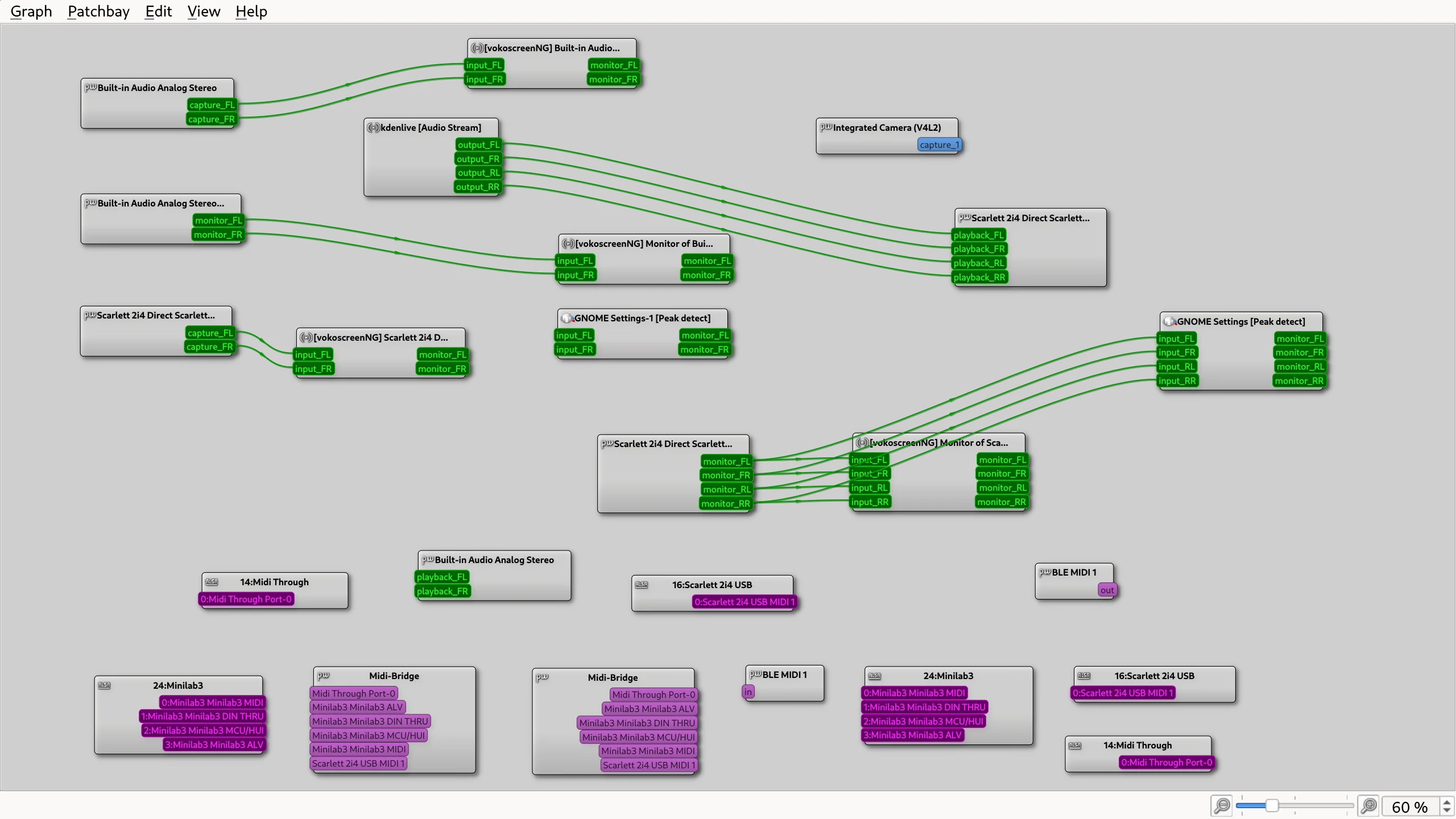
🔌 qpwgraph
qpwgraph


Install:
sudo dnf install qpwgraph
Launch:
qpwgraph
You can visually connect:
- App → Virtual Sink
- Virtual Sink → Hardware Output
- Virtual Sink → OBS / Discord
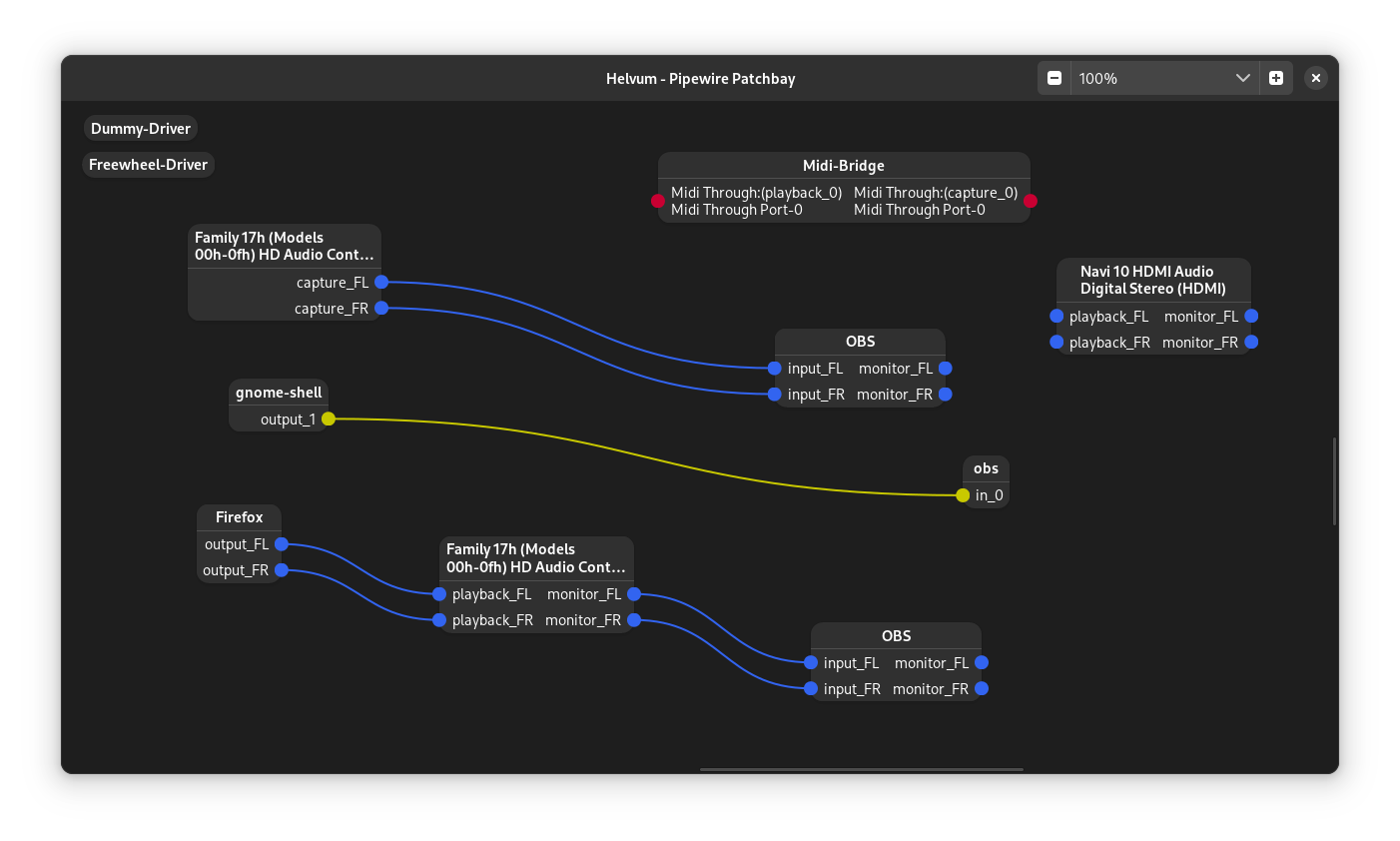
🔌 Helvum (simpler UI)
Helvum


Install:
sudo dnf install helvum
Very simple drag-and-connect interface.
🎚 Method 3 — PulseMeeter (Voicemeeter-style interface)
PulseMeeter
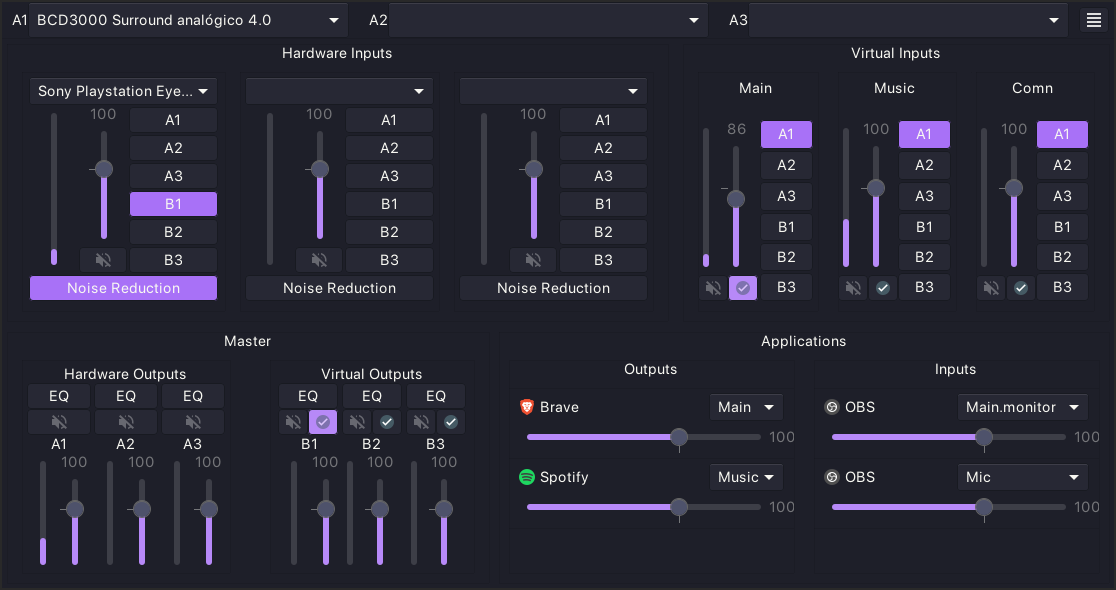
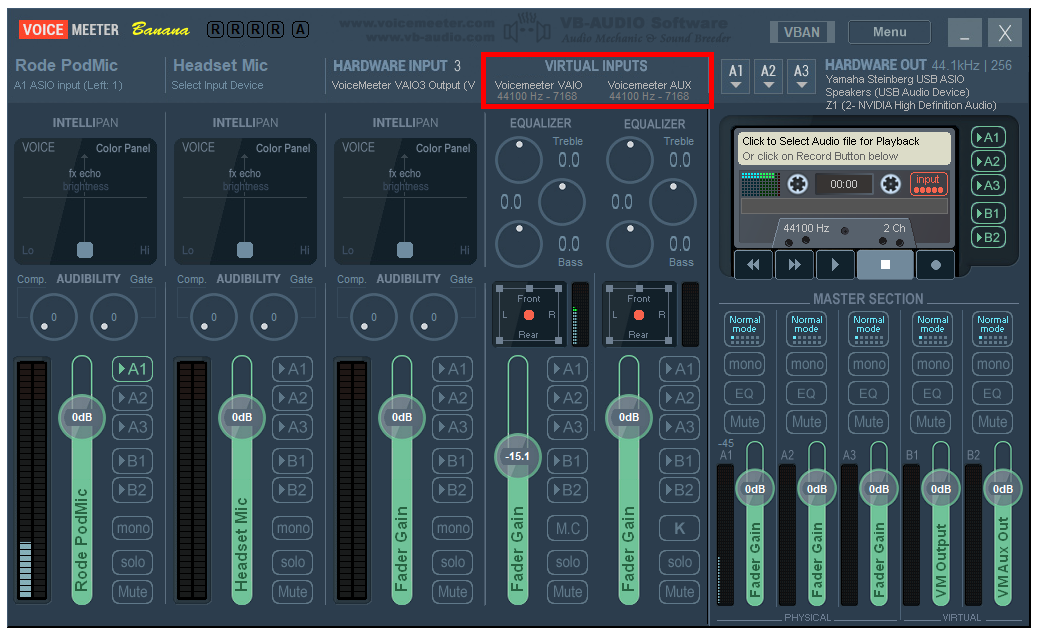
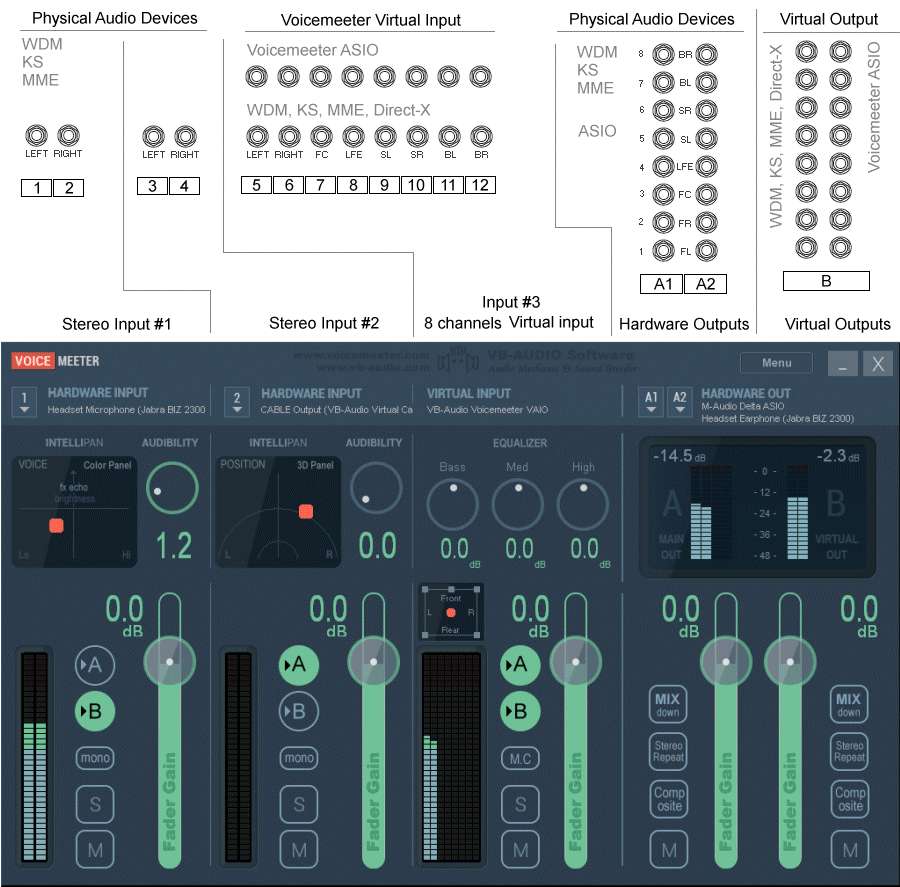
This is the closest conceptual match to Voicemeeter:
- Virtual inputs
- Virtual outputs
- Routing matrix
- Volume control
Install:
sudo dnf install pulsemeter
(If not in repo, use GitHub release or COPR.)
🧠 What You Usually Want (Common Scenarios)
🎮 Route Game + Spotify → One virtual device → Discord
Create:
- VirtualSink
- VirtualMic (monitor of sink)
- Set Discord mic to VirtualMic
- Route apps into VirtualSink
🎥 OBS separation (game + mic separate)
Create:
- 2 null sinks
- Route each app separately
- Capture each sink monitor in OBS
🔎 Check Existing Devices
pactl list short sinks
pactl list short sources
⚡ Important
Because Fedora uses PipeWire, you do not need:
- PulseAudio replacement
- Kernel drivers
- External sound drivers
Virtual devices are just software nodes.
If you tell me your exact goal (streaming? mixing mic + music? dual PC? Discord routing?), I can give you the exact commands and layout for your setup.